
A portfolio should help a potential client judge whether your work fits their needs. Attractive images attract attention, but unexplained galleries leave buyers guessing about the brief, your contribution and the finished result. Studios and independent businesses can make their websites more useful by treating each project as a clear, evidence-based explanation.
Choose projects for relevance, not just appearance
Select examples that represent the work you want to sell. A beautiful project outside your current services may create the wrong enquiries. Group examples by useful characteristics such as project type, audience or delivered scope, rather than by internal job numbers that mean little to a visitor.
Include variety where it demonstrates a meaningful capability. A small project with a clear constraint can be more informative than a large project shown without context. Explain the requirement in ordinary language so prospective clients can recognise similarities with their own situation.
Describe what you actually delivered
State the brief, the work completed and any important limitations. If you designed the identity but did not build the website, distinguish those roles. If the work involved collaboration, describe your contribution accurately. This establishes credibility more effectively than broad claims about transforming a business.
Use results only when they can be supported. A project can still be valuable without a dramatic growth figure: describe the implemented pages, improved information structure or delivered visual system. Keep opinions separate from measured outcomes, and obtain approval before publishing confidential client information.
Make images explain the work
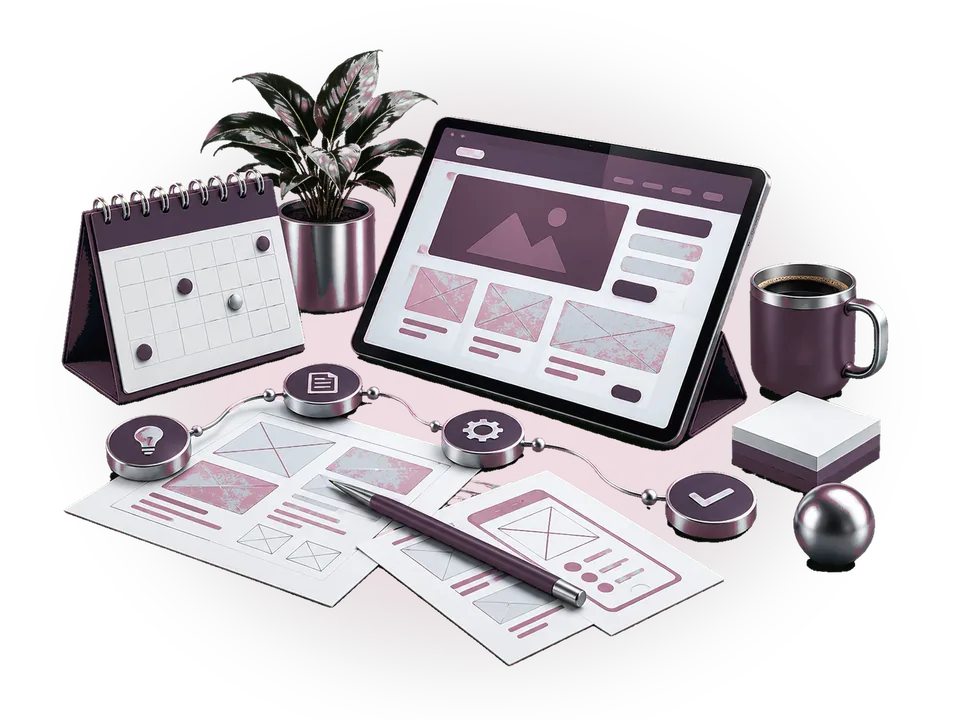
Choose screenshots and photographs that illustrate the specific decisions discussed. A homepage screenshot, product detail and mobile view may each reveal something different. Captions help the reader connect the image to the brief. Device mock-ups should support the presentation rather than obscure the interface with elaborate decoration.
Plan portfolio templates as part of website design so images, text and related services remain consistent. Browse selected website projects for examples of how scope can accompany visuals. Keep source images organised so future updates do not depend on recreating screenshots from old messages.
Make each project understandable on its own
A visitor may arrive directly on a project page through a shared link. Include enough context to identify the service, the client’s requirement and your contribution without expecting them to read the rest of the portfolio first. Link to relevant background only where it adds useful detail.
Keep the presentation proportionate to the work. A straightforward catalogue refresh may need a few well-chosen screenshots and a concise explanation, while a complex platform may justify several stages. Avoid stretching a small project into an elaborate success story with unsupported outcomes. Honest detail gives a buyer a clearer basis for judging whether your experience matches the project they have in mind.
Connect evidence to the next conversation
After presenting a project, link to the relevant service and offer a sensible next step. Invite visitors to describe their requirement rather than asking them to buy an identical project. Explain which aspects can be adapted and which depended on the original client’s circumstances.
Review the portfolio periodically for outdated links, old branding and work you no longer wish to offer. Check that permission remains appropriate when client relationships or ownership change. A smaller selection of clear, relevant projects can help a buyer assess fit more effectively than a large archive that looks impressive but reveals little about the work behind it.
Put the advice into practice
Explore our website design or send us your project brief.
For the next steps, read Law Firm Website Design: What Prospective Clients Need to Find, Does Your Small-Business Website Need a Simpler Menu?, Website Redesign: What Should You Keep From Your Existing Site?.